
Making performance traces attributable 🧭
From “something is slow” to who did the work (Part 2)


In Part 1, I focused on a necessary first step:
making mobile app performance traces readable to humans.
That meant taking a dense Perfetto trace and turning it into a structured summary:
startup time
long tasks
frame health
Useful — but incomplete.
In Part 2, I pushed the next question:
Once a trace is readable, how do we figure out who actually did the work?
This post is about attribution.
Quick recap (Part 1) 🔁
In Part 1, the analyzer could tell me what happened:
{
  "startup_ms": 1864.2,
  "ui_thread_long_tasks": {
    "threshold_ms": 50,
    "count": 304
  },
  "frame_summary": {
    "total": 412,
    "janky": 29
  }
}
But when I inspected long tasks more closely, I saw things like:
{
  "name": "216",
  "dur_ms": 16572.1
}
Technically correct.
Practically useless.
There was no answer to:
Is this from my app?
Is it on the main thread?
Is it framework or system work?
That gap is what Part 2 addresses.
Why attribution matters ⚙️
When engineers debug real mobile performance issues, the questions are rarely abstract.
They’re concrete:
Is my UI thread blocked?
Is this startup delay caused by my code or the system?
Which part of my app is responsible for this jank?
A summary without attribution still forces humans to:
jump back into the Perfetto UI
mentally reconstruct execution paths
Part 2 reduces that mental overhead.
The core idea in Part 2 🧠
Instead of just reporting “long slices exist”, the analyzer now tries to answer:
Which process did this work?
Which thread?
Was it my app or something else?
Still no AI.
Still no dashboards.
Just better joins, better filtering, and more honest structure.
Main thread detection is messy (and that’s okay) 🧵
One subtle but important detail:
the main thread does not always explicitly say "main" in traces.
So Part 2 uses a best-effort heuristic:
If a thread named
"main"exists for the app → use itOtherwise, fall back to
tid == pid, which commonly identifies the main thread in Android processes
This mirrors how experienced engineers reason when the trace metadata is incomplete.
When the heuristic works, the analyzer marks it explicitly.
Focusing on the app (noise reduction) 🎯
You can now run the analyzer with a focus process:
python -m perfetto_agent.cli analyze \
  --trace tracetoy_trace.perfetto-trace \
  --focus-process com.example.tracetoy \
  --out analysis.json
This shifts the output from:
“Everything happening on the device”
to:
“What matters for this app”
A small change — a big improvement in signal-to-noise.
Long tasks, now with attribution 🧵
Instead of opaque numeric slices, long tasks now look like this:
{
  "name": "UI#stall_button_click",
  "dur_ms": 200.1,
  "pid": 12345,
  "tid": 12345,
  "thread_name": "<main-thread>",
  "process_name": "com.example.tracetoy"
}
This answers, in one glance:
✅ it’s from my app
✅ it ran on the main thread (via
tid == pid)✅ it’s an app-defined stall
Numeric-only names still appear, but they’re now labeled explicitly:
{
  "name": "<internal slice>",
  "dur_ms": 4103.1
}
That distinction prevents accidental misattribution — a common source of performance debugging mistakes.
App-defined sections become first-class 📍
The analyzer now explicitly extracts app-defined trace sections created via Trace.beginSection.
For example:
{
  "app_sections": {
    "counts": {
      "UI#stall_button_click": 2,
      "BG#churn": 3
    },
    "top_by_total_ms": [
      {
        "name": "BG#churn",
        "total_ms": 512.4,
        "count": 3
      }
    ]
  }
}
This mirrors how humans reason:
“Which parts of my app dominated execution?”
A human-readable summary block 🧭
Part 2 also adds a small summary section that surfaces the most important signals upfront.
Example:
{
  "summary": {
    "main_thread_found": true,
    "top_app_sections": [
      "BG#churn",
      "dequeueBuffer - VRI[MainActivity]#0(BLAST Consumer)0",
      "UI#stall_button_click"
    ],
    "top_long_slice_name": "BG#churn"
  }
}
This is intentionally simple.
It’s not an explanation —
it’s a starting point for reasoning, both for humans and future tooling.
Frames and CPU: still coarse, but useful 📊
Frame analysis now includes percentiles, not just totals:
{
  "frame_features": {
    "total_frames": 412,
    "janky_frames": 29,
    "p95_frame_ms": 22.3
  }
}
CPU analysis remains approximate:
slice-duration aggregates by process and thread
not true CPU utilization
The limitations are documented explicitly.
Orientation first. Precision later.
What’s next (Part 3) 🔮
In Part 3, I want to focus on:
separating app vs framework vs system work
tightening attribution around rendering and scheduling
identifying which signals actually matter for explanation
Only after that does it make sense to ask:
Can an agent help explain why performance regressed?
Links 🔗
Perfetto analyzer (Part 2):
https://github.com/singhsume123/perfetto-agentExample outputs:
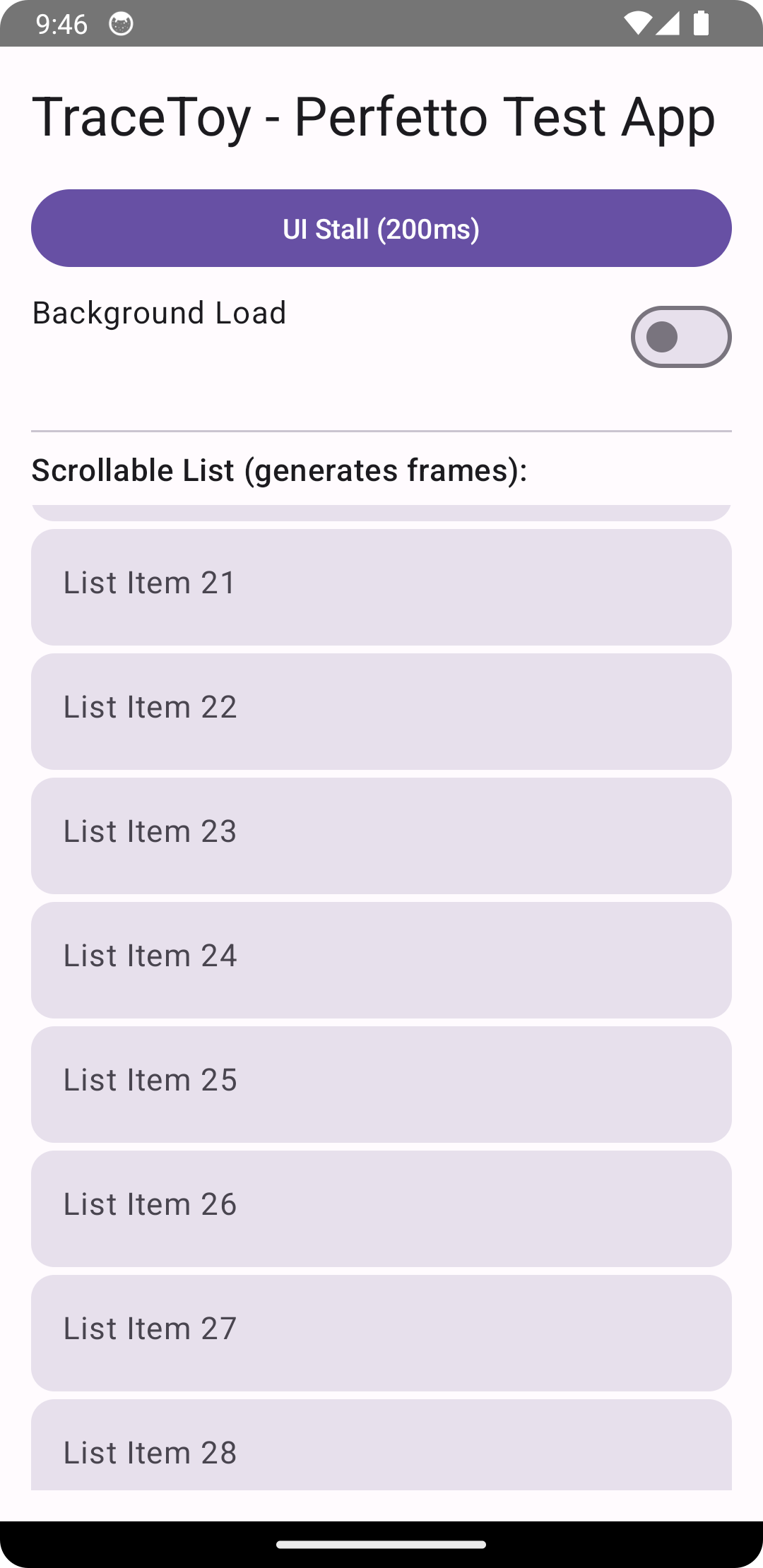
analysis.json,analysis_2.jsonin the repoTraceToy test app:
https://github.com/singhsume123?tab=repositories
Closing thought 💭
Performance debugging isn’t about staring at timelines.
It’s about building a mental model of:
who did what, where, and when.
Part 1 made traces readable.
Part 2 makes them attributable.
That’s real progress.